Visualize a Typescript Codebase with Dependency Cruiser
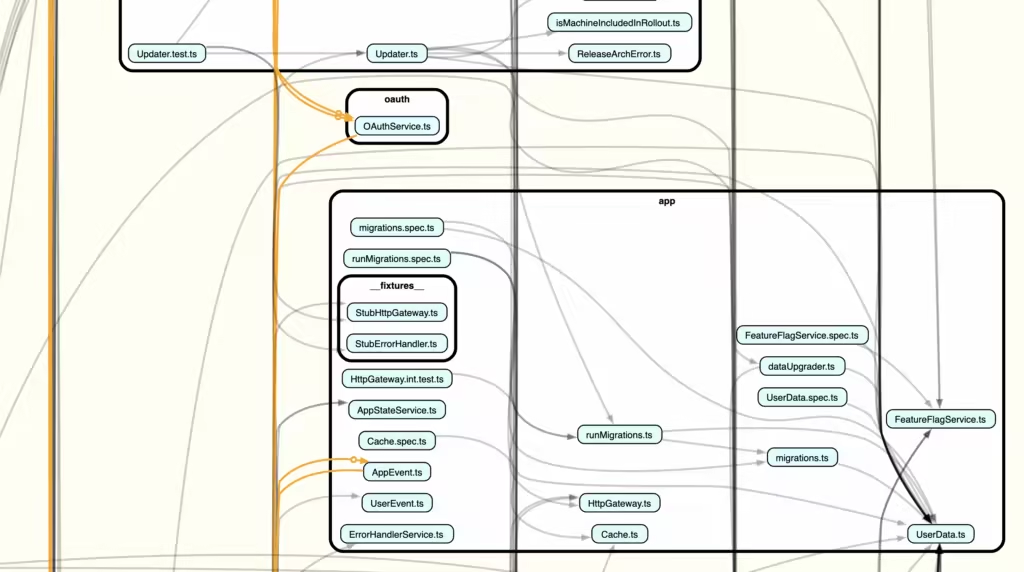
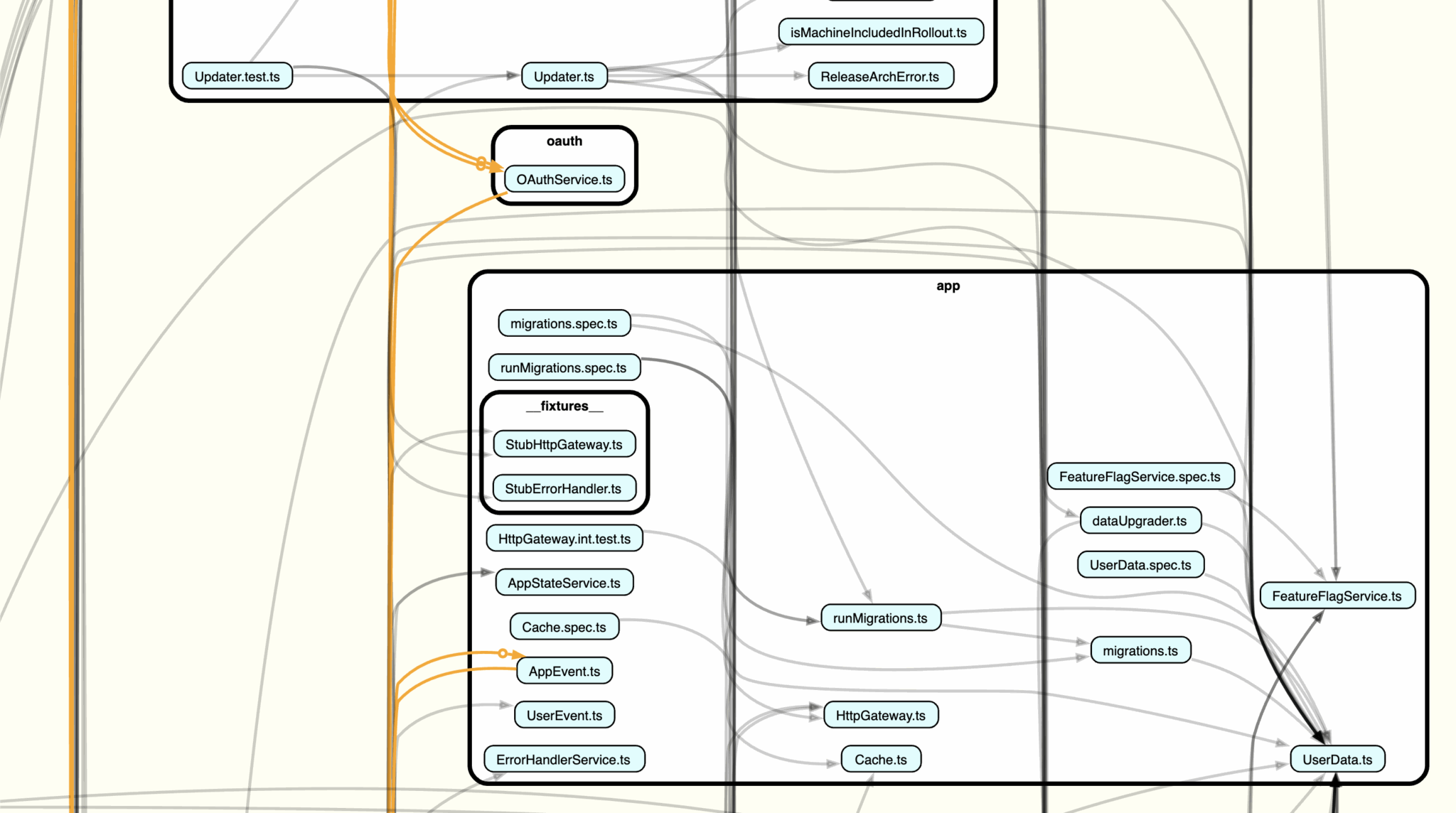
Dependency Cruiser is a powerful npm tool designed to analyze and visualize dependencies within JavaScript and TypeScript projects.
I originally came across Dependency Cruiser as a way to help me generate Component diagrams as defined by the C4 Model.
This tool has been great at generating diagrams, but one exciting benefit of using dependency-cruiser is the ability to write architectural rules to enforce boundaries and clean module separation.
Examples of these rules are:
- Restricting imports between the client and server modules
- Flagging unused modules
- Isolating peer folders from seeing each other
By creating custom rules, you can verify changes adhere to architectural decisions for the project at regular intervals, such as during PR reviews or even as part of an automated AI Agent workflow.
Installation
Getting started with Dependency Cruiser involves:
- Installing the dependency
- Initializing the configuration file
npm install --save-dev dependency-cruiser
npx depcruise --init
# creates .dependency-cruiser.js
Usage
I’ve found the best DX to be when I pair it with Graphviz’s Dot command to generate SVG and HTML artifacts:
# Scan the app/main folder and only include items in the the app/main
# folder. Save as an HTML page to interact with.
yarn depcruise app/main -v --include-only '^app/main/' --output-type x-dot-webpage -f docs/architecture/dependency-cruiser/dependency-graph.app_main.html
# Scan the app/main folder and only inclue Site.ts and modules that
# directly depend on it.
yarn depcruise app/main --focus '^app/shared/models/Site.ts$' --output-type x-dot-webpage -f docs/architecture/dependency-cruiser/dependency-graph.html